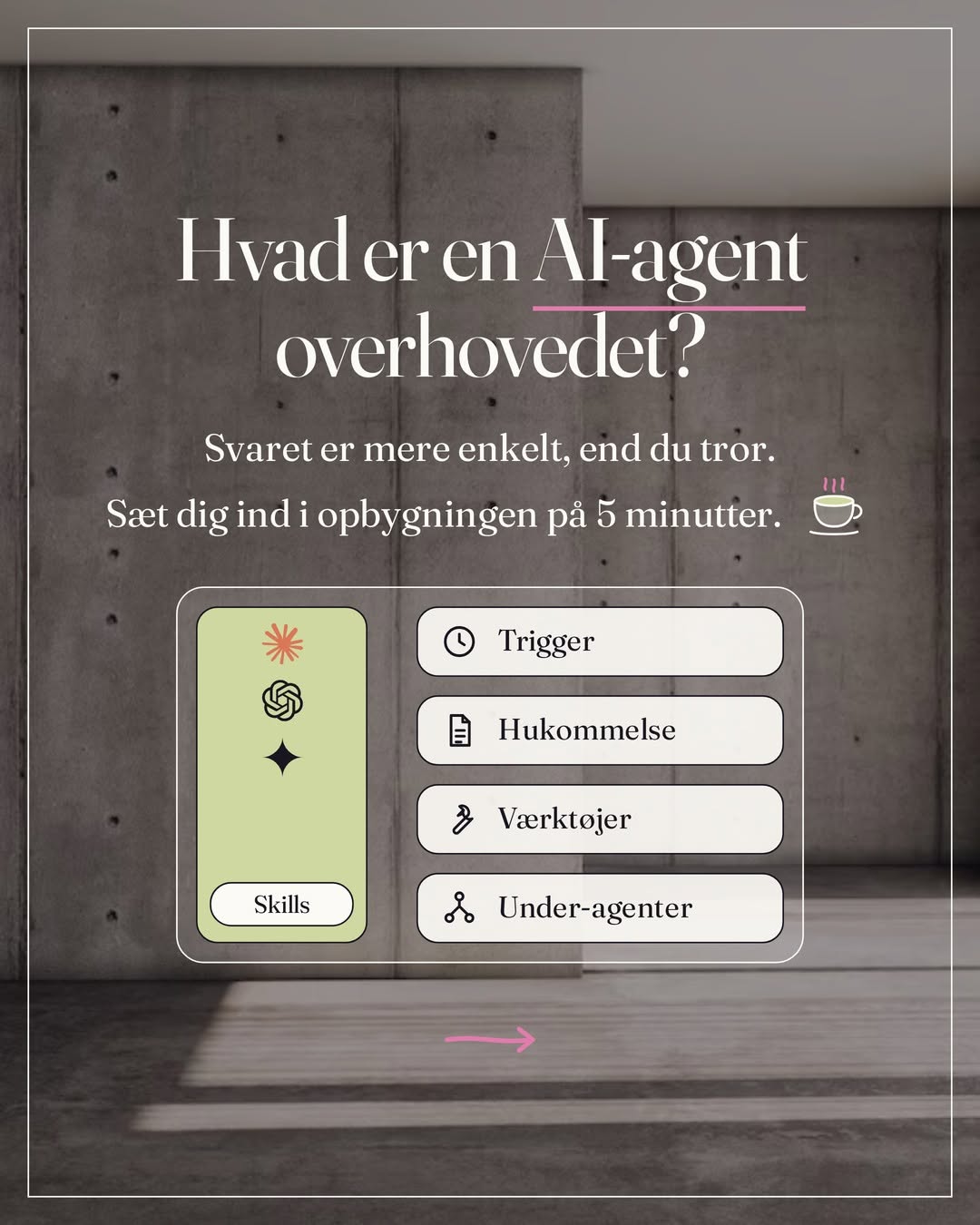
Here is the setup behind the everyday tip on meal plans: a project in Claude with your recipes, preferences and budget, and Claude in Chrome putting the week's groceries in your basket on nemlig.com or wherever you shop online. You need a paid Claude plan, the Claude app and Google Chrome on your computer, and a login for your online shop.
The idea came from a client who had heard that Claude can put together a meal plan and shop on nemlig.com, and asked me about it in a session. Yes, of course it can. We set it up together, and ten minutes later the groceries for the meal plan were in the basket.
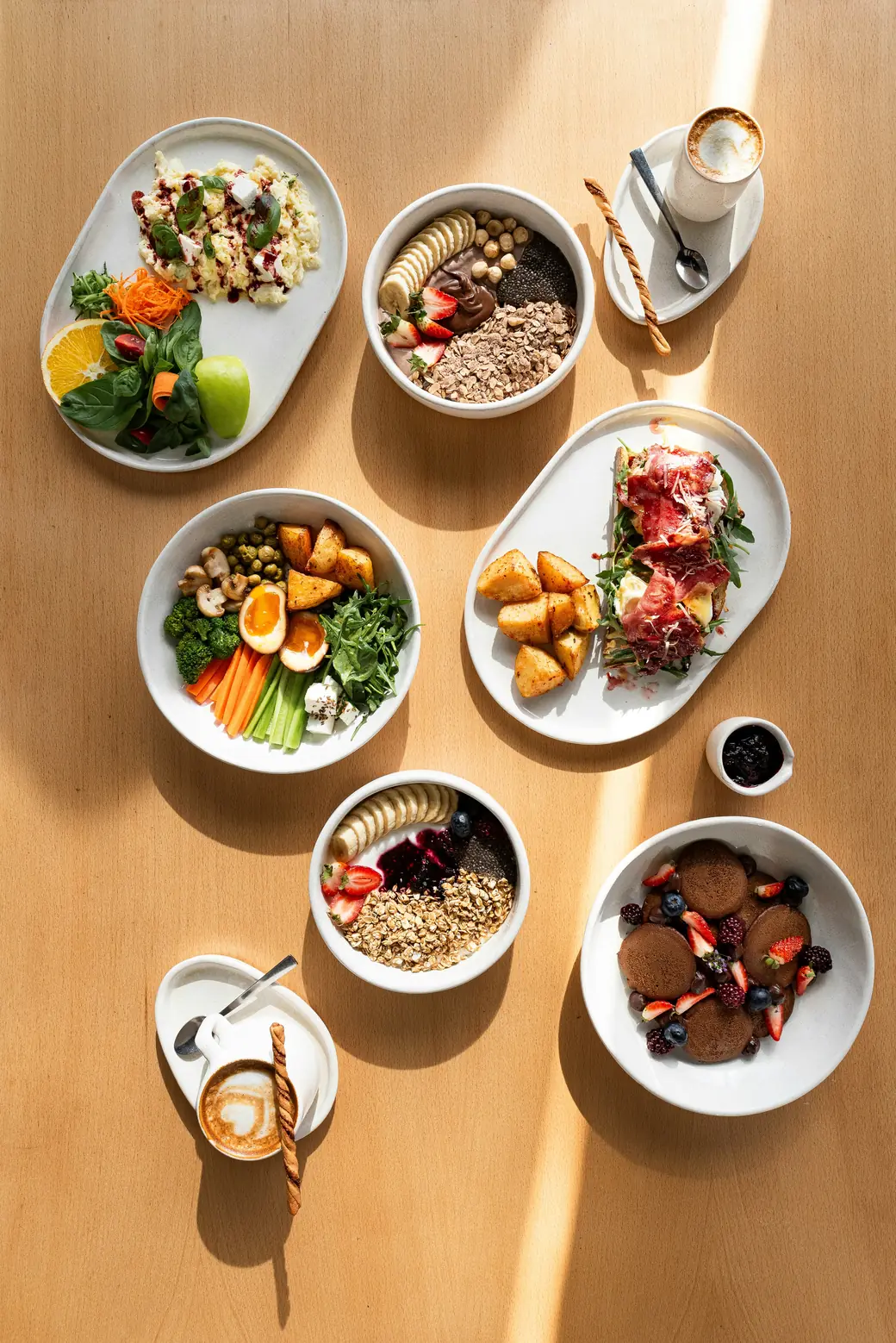
How to set it up
- Create a project for the meal plan in Claude, separate from your work, and call it Meal plan.
- Fetch recipes from your favourite food writers. Share links from blogs, websites and Instagram, or paste the text.
- Build your own recipe book with ingredients, method and a link to the source, and save it in the project.
- Ask for the week's meal plan based on how many you are, what you don't eat, and what the week may cost.
- Give Claude access to Chrome with the Claude in Chrome extension.
- Ask Claude to shop based on offers, organic or your own preferences, and to stop at the basket.
A project for the meal plan
A project keeps files and instructions in one place in Claude, so they're included in every new conversation. That's why the meal plan gets its own. The recipes, your preferences and the budget are ready every week, and you don't have to explain it all again. Keep it separate from your work projects, so the meal plan doesn't mix with your clients and your business. If projects are new to you, start with Get started with Claude.
The recipes and the recipe book
Start with the food writers you already get recipes from. Share links to the recipes you love: blogs, websites and Instagram posts. If Claude can't open a link, paste the recipe as text. If you have a cookbook, take a photo of the page.
Claude collects them in one recipe book with name, servings, ingredients with quantities, method and a link to the source. The link lets you find your way back to the food writer, and means no quantities are guessed. Save the recipe book in the project. Then it's what every new meal plan is built on.

Your preferences and the budget
Write how many you are, what you don't eat, and what the week may cost. Put it in the project instructions. Then it applies in every conversation, and you only write it once. If something changes, you edit the instructions, and the next meal plan follows.
Prompt 1: set up your meal plan project
Create the project Meal plan in Claude, start a new conversation in it, and paste in the prompt. It asks you five questions, one at a time, and then builds the recipe book, the text for the instructions and the first meal plan.
Help me set up our meal plan project. The project should keep track of our recipes, our preferences and our budget, so you can build a new meal plan every week.
Ask me the questions below, one at a time. Wait for my answer before you ask the next one.
1. How many are we, and how many evenings a week should the meal plan cover?
2. What don't we eat? Allergies, ingredients we don't like, and whether we eat meat and fish.
3. What may the week's groceries cost?
4. Where do I shop online, and what do I prefer? For example offers, organic fruit and vegetables, local produce or specific brands.
5. Which food writers, blogs, websites and Instagram profiles do I get recipes from? Feel free to send links to the recipes we love.
When you have my answers, do three things.
The recipe book: fetch the recipes from my links and collect them in one document I can save in the project. Each recipe gets a name, servings, ingredients with quantities, method, time and a link to the source. If you can't open a link, say so, and I'll paste the text or send a photo of the page. Never make up a recipe or a quantity.
The instructions: write our answers as a short text for the project instructions, so I can paste it in. How many we are, what we don't eat, the budget, the shop and our preferences.
The first meal plan: build the week's meal plan from the recipe book so it fits the budget. Show it as an overview of the days of the week and one combined shopping list, sorted by aisle, with the quantities added up.
Finally, ask me what needs changing.
Give Claude access to Chrome
Claude in Chrome is an extension for Google Chrome that lets Claude open pages, click and type in your browser. Install it from the Chrome Web Store and sign in with your Claude account. It requires a paid plan (Pro, Max, Team or Enterprise) and only works in Google Chrome on your computer.
Then open the meal plan project in the Claude app on your computer, and turn on Claude in Chrome under Connectors in the conversation. It's off by default, so you turn it on in every new conversation.
Claude fills the basket. Nothing is bought until you've approved it.
Prompt 2: shop on nemlig.com
Log in to nemlig.com yourself in Chrome, and paste the prompt into the conversation in the project. If you shop somewhere else online, swap nemlig.com for your shop, and swap offers and organic for your own preferences.
Put the groceries for this week's meal plan in the basket on nemlig.com. I'm logged in in Chrome.
Use the shopping list from this week's meal plan in the project. We already have these, so leave them out: [write them here, or delete the line]
How to choose the groceries: choose items on offer where possible. Choose organic fruit and vegetables. [Write your own preferences here, for example local produce or specific brands.] If an item isn't available, choose the closest substitute and note it on the list.
Stop at the basket so I can check it. Never go on to payment.
Finally, write a list of what you've put in the basket: price, what was on offer, what you swapped, the basket's total, and how it fits the budget.
The prompt stops at the basket on purpose. Claude in Chrome starts in a mode where it approves its own actions and only asks when it judges that something needs your approval. You can't count on a purchase being one of them. That's why you check the basket and pay yourself.
Next week
Next week the recipe book is already there. Ask for a new meal plan in the project, and let Claude fill the basket again. When you find a new recipe, save it in the project, and it goes into the next plan.
Start with the dishes you already eat.
It's the same structure I work with in my sessions: a project with what Claude needs to know, and an agent that carries out the task and stops before anything is sent or bought. My clients come away with an understanding of how agents are built, which they can build on in their business and in their private life. If you want it set up together with me, that's what a session is for.
The short version is on Instagram.