Here are ten skills from Anthropic's own plugins and 20 more worth knowing: what they do, which plugin they live in, and the way into Claude.
Plugins require a paid plan. The four built-in skills for Excel, Word, PowerPoint and PDF also work on the free plan.
On this page
- 01 What a skill is
- 02 The ten
- 03 And 20 more
- 04 How to add them
- 05 The four built-in skills
- 06 Build on from there
What a skill is
Without skills, Claude guesses at the method every time you give it a task. A skill is the workflow written down in advance, with the questions and checks an experienced person in the field would ask.
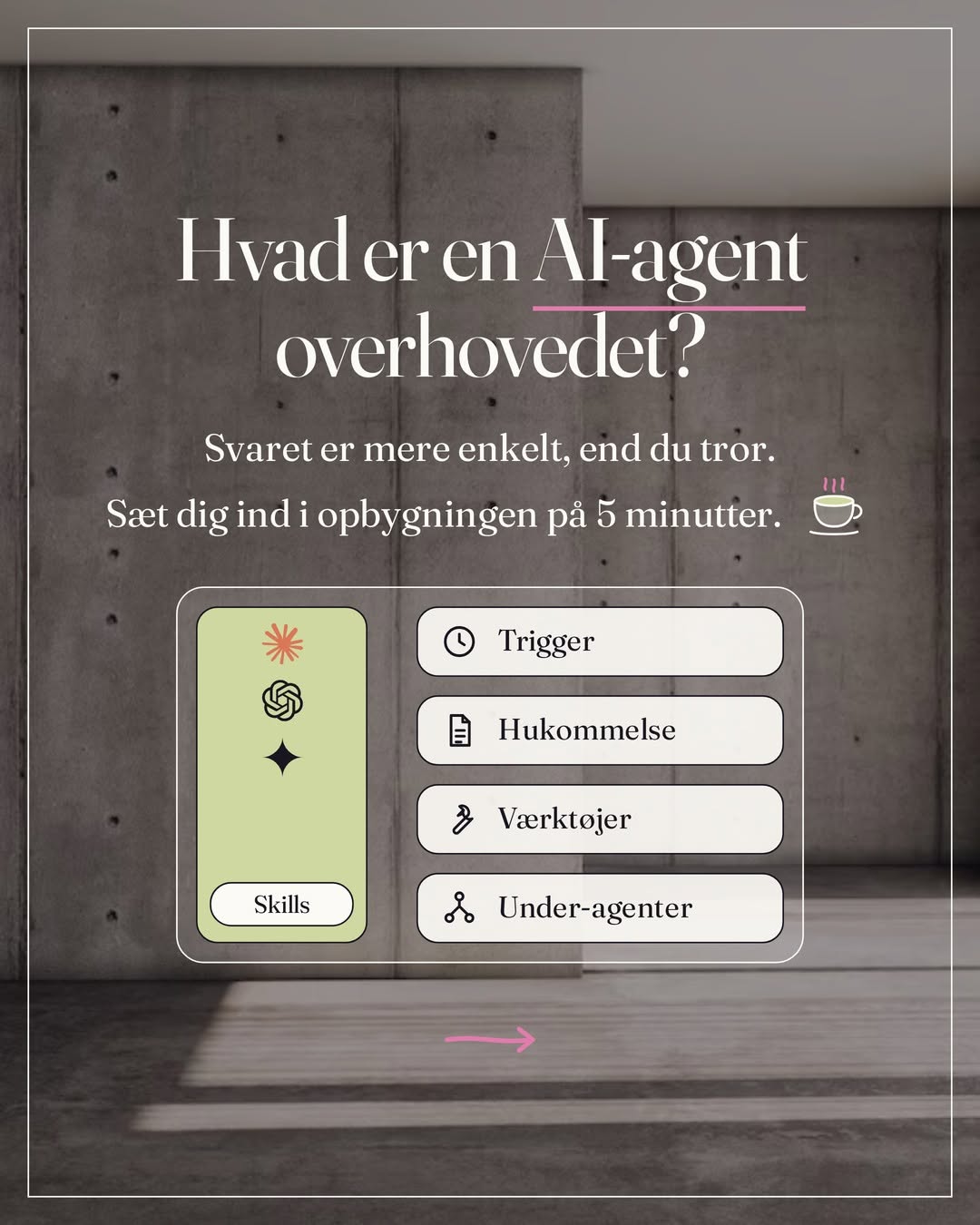
Anthropic built these ones itself. They live in plugins: packages of skills for one field, such as marketing, design or small businesses. Once the package is added, Claude uses a skill when the task fits it. You can also call it up by name: type / in your message.
How skills fit together with projects and scheduled tasks is covered in the guide Chat and Cowork are now one Claude. What a skill is, and how to build your own, is in the guide Claude skills.
The ten
- 01 memory-management · Productivity
Remembers your clients, projects, abbreviations and internal words, so you don't have to explain them again. It runs on its own and keeps them in a short file with what you use most, and a folder with the rest.
- 02 design-critique · Design
Structured feedback on a design: usability, hierarchy and consistency. Give it a screenshot, a Figma link or a description, and tell it who it's for and how far along you are.
- 03 brand-review · Marketing
Checks a text against your tone and your style guide and shows the corrections before and after, sorted by how serious they are. It also catches claims you can't back up.
- 04 draft-content · Marketing
Drafts for posts, blog posts, newsletters and landing pages. It asks for the topic, the audience, your points and the length, and suggests headlines and subject lines.
- 05 email-sequence · Marketing
A whole email sequence with copy and timing, for example your welcome flow. You get each email, when it goes out, and what happens when someone clicks or doesn't.
- 06 inbox-manager · Small Business
Sorts your inbox into what needs you, what has a draft ready, and what's been handled. It writes the replies in your tone and finds the deadlines in long threads.
- 07 proposal-builder · Small Business
A proposal from your meeting notes, a voice memo or a transcript. It uses your own templates, sets the price from what you've charged for similar jobs, and tells you when something is missing.
- 08 build-agent · Small Business
Turns a task you repeat into a skill you can call by name or put on a schedule. At every step that sends, pays, publishes or deletes, it adds a stop, so nothing happens until you've approved it.
- 09 frontend-design · Frontend Design
Direction, typography and deliberate choices when you build a page or an app. It starts from your field and your own material.
- 10 build-dashboard · Data
A dashboard in one HTML file with your numbers, charts and filters. The file opens straight in the browser, with nothing to install.
And 20 more worth knowing
- ux-copy
The text on buttons and in error messages.
- research-synthesis
Interviews and reviews gathered into themes.
- campaign-plan
A campaign plan with goals, channels and a calendar.
- competitive-brief
Your messages held up against your competitors'.
- seo-audit
Your site reviewed for keywords, content and technical issues.
- performance-report
Your marketing numbers, and what to change.
- daily-briefing
Today's meetings, waiting emails and tasks gathered in the morning.
- brand-style
Your look taken from your website, so everything from the plugin follows it.
- social-content-engine
A posting calendar and captions in your tone that you approve before they go out.
- outreach-composer
Emails to new clients and the follow-up in your tone.
- lead-finder
Companies that look like your best clients.
- review-reputation
Replies to reviews in your tone.
- create-an-asset
A sales sheet from your notes, with no made-up numbers.
- call-prep
Attendees and history gathered before a meeting.
- call-summary
A follow-up email and notes after a meeting.
- analyze
Answers to questions about your numbers.
- google-workspace
Google Docs, Sheets and Slides in your Drive.
- xlsx, docx and pptx
Excel, Word and PowerPoint, which are built in.
The names are written exactly as they appear in Claude.
How to add them
Open Customize in the menu on the left
Choose Plugins, then Discover
Find the package, for example Marketing, and click Add
Check that it says from Anthropic under the name
In Cowork, open the Cowork tab first. Plugins work on all paid plans, in chat and in Cowork. On Enterprise, an administrator may have limited which ones you can add.
If it says "from Anthropic Directory", it was built by others and only placed in Anthropic's catalogue. Many of them are good, but they aren't Anthropic's own.
Anthropic itself recommends installing plugins only from sources you trust, and you can read through its own on GitHub.
The four built-in skills
xlsx, docx, pptx and pdf are built in: Excel, Word, PowerPoint and PDF, on all plans. Turn on Code execution and file creation under Settings, Capabilities, and switch them on under Customize, Skills. Then Claude uses them on its own when you ask for a spreadsheet, a document, a presentation or a PDF.
Build on from there
Start with the plugin that fits the task that takes up most of your week.
Skills work best when Claude knows your business, so put your tone, your offers and your clients in one place. You use that foundation again for the next proposal, the next newsletter and the next post.
My own free skills are under Free guides. If skills and agents should be built for your business specifically, we set them up together in a 1:1 session.
The short version is on Instagram.