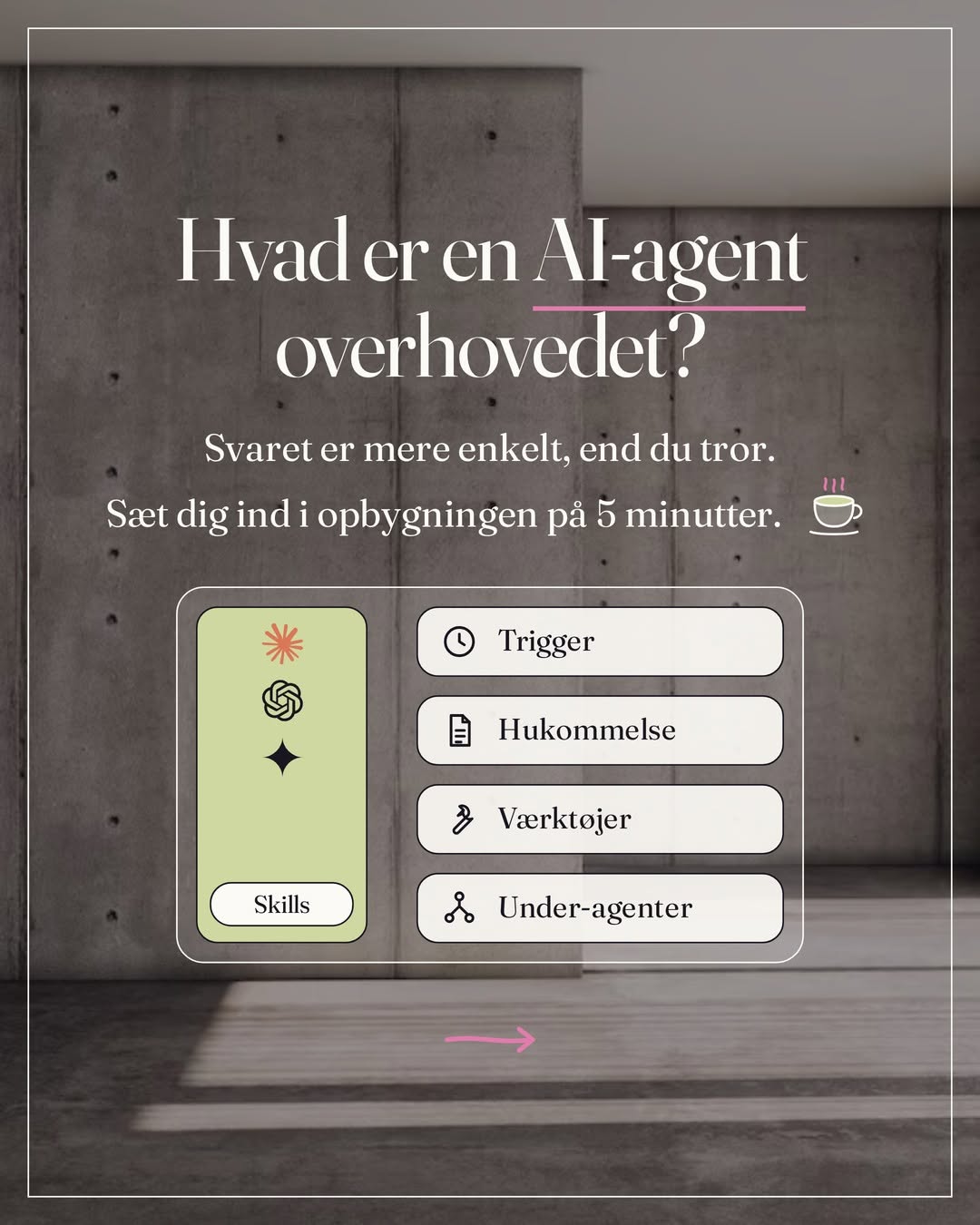
My carousels are uploaded by an agent. I approve the slides and the caption, and Claude Code sends them to Blotato with a date and a time. After that I don't touch them.
Blotato is a publishing tool with an API and MCP. Instagram, LinkedIn, X, TikTok, YouTube, Facebook and more from one place. That means an agent can schedule posts, not only a person in an app.
How I use it
1. Carousels from Claude Code
Slides are rendered as PNG in my carousel system. Claude Code uploads them to Blotato, sets the caption and the time, and creates the post. Ten slides, one caption, one time. I never open the Instagram app to publish.
2. Same post, several channels
A post is written once and adapted to each channel: Instagram, LinkedIn and X. The content agent keeps the tone, Blotato keeps the calendar.
3. After I have said yes
Nothing is published before I have seen it. The agent delivers drafts on Sunday, I approve, and only then is it scheduled. That is the rule all my systems run on.
How to connect Claude. Five minutes.
The connection between Claude and Blotato took me five minutes, with Claude helping. Blotato has an MCP server that Claude attaches to as a connector. No code, no key to copy, you log in once.
Copy the prompt below into a Claude project and answer what it asks. It first asks permission to use your browser, so Claude clicks and fills in the fields itself while you watch. Then it checks that the connection works and sets the rules that make sure nothing is published without your yes. If you don't have Claude in Chrome, it guides you instead, one step at a time.
You are my publishing assistant. We are going to connect Claude to Blotato so you can schedule my posts.

Step 0. Ask about the browser.
Start by asking whether you may use my browser (Claude in Chrome), so you can click and fill in the fields for me. If I say yes, you do it and I watch. If I say no, you guide me instead, one step at a time, and wait for my "ok" between each. You never type passwords. I type those myself when the login page is open.

Step 1. The connection.
1. Open my.blotato.com. I log in. Connect my social accounts under Accounts in the menu, and ask me which ones to include.
2. In Claude: Customize, then Connectors, plus, Add custom connector.
3. Name: Blotato. URL: https://mcp.blotato.com/mcp. Add, approve access. I need to be logged in to Blotato in the same browser. On Claude's free plan there is room for one custom connector. Switch it on in the conversation under the plus, Connectors, and set blotato_create_post to Needs approval under Tool permissions, so Claude asks in the conversation before anything is published.

Step 2. Check.
When I say "connected", call blotato_list_accounts and show me the list of my accounts. If you see no accounts, tell me what is missing instead of guessing.

Step 3. My rules. Save them in the project:
- You never create a post before I have written "approved" to the exact text and the exact time.
- You only use the accounts I mention. Ask if I haven't said which.
- Times are Danish time. Always write the time back to me before you schedule.
- If an upload fails, you stop and tell me. You don't create posts with missing images.

Step 4. First post.
Ask me for: text, channel, date and time. Show it to me as a whole. Schedule it only once I have written "approved".
It is worth the money.
Price
Starter costs 29 dollars a month, Creator 97. Both have the API. I am on Creator, and it pays for itself every week because publishing runs without me. The hours I would have spent uploading and scheduling by hand, I spend building. There is a 7-day free trial on both plans. The connection to Claude requires the paid plan, so test the calendar during the trial and connect Claude afterwards.
How to get started
1. Create the account through the link at the bottom
Starter is enough for most people, also when an agent is going to run it, because the API and the connection to Claude come with both. Creator gives more AI credits, 40 accounts instead of 20 and faster video processing.
2. Connect Instagram
Schedule the first post by hand, so you see how the calendar works before an agent is allowed to.
3. Connect Claude
The prompt above. Five minutes. If you want the whole publishing system built together with me, carousels, captions and calendar, that is a session.
I am a Blotato affiliate. If you buy through my link, I get a share. The price is the same for you, and I set it up for participants long before there was a link.
Blotato is the publisher in my setup. The rest of the tools, and what each of them is hired to do, are in my tech stack.