Nobody jumps from AI confusion to systems in one leap. There are five steps, and most people are on the first two without knowing there are more.
You ask
You open a chat and type a question. From scratch every time. This is where most people stay.
You reuse
Projects, saved instructions, skills. The AI knows you, but you still start every task yourself.
It works for you
An agent you built does the task by your rules and hands you a draft for your yes. This is the leap.
It starts by itself
A time or an event kicks off the work. The Monday report is ready before you open your laptop.
An AI operating system
Several agents, one system: shared rules, shared knowledge, and you as the boss. Your business has an operating system that works while you do something else.
The difference between step 2 and step 3 is the one you can feel in your calendar. It is also the leap almost all my teaching is about.
You don't have to build step 5 first. You just have to take the next step.
Your next step, if you are at 1 or 2: map your work, and build your first agent.
How to make it run on its own
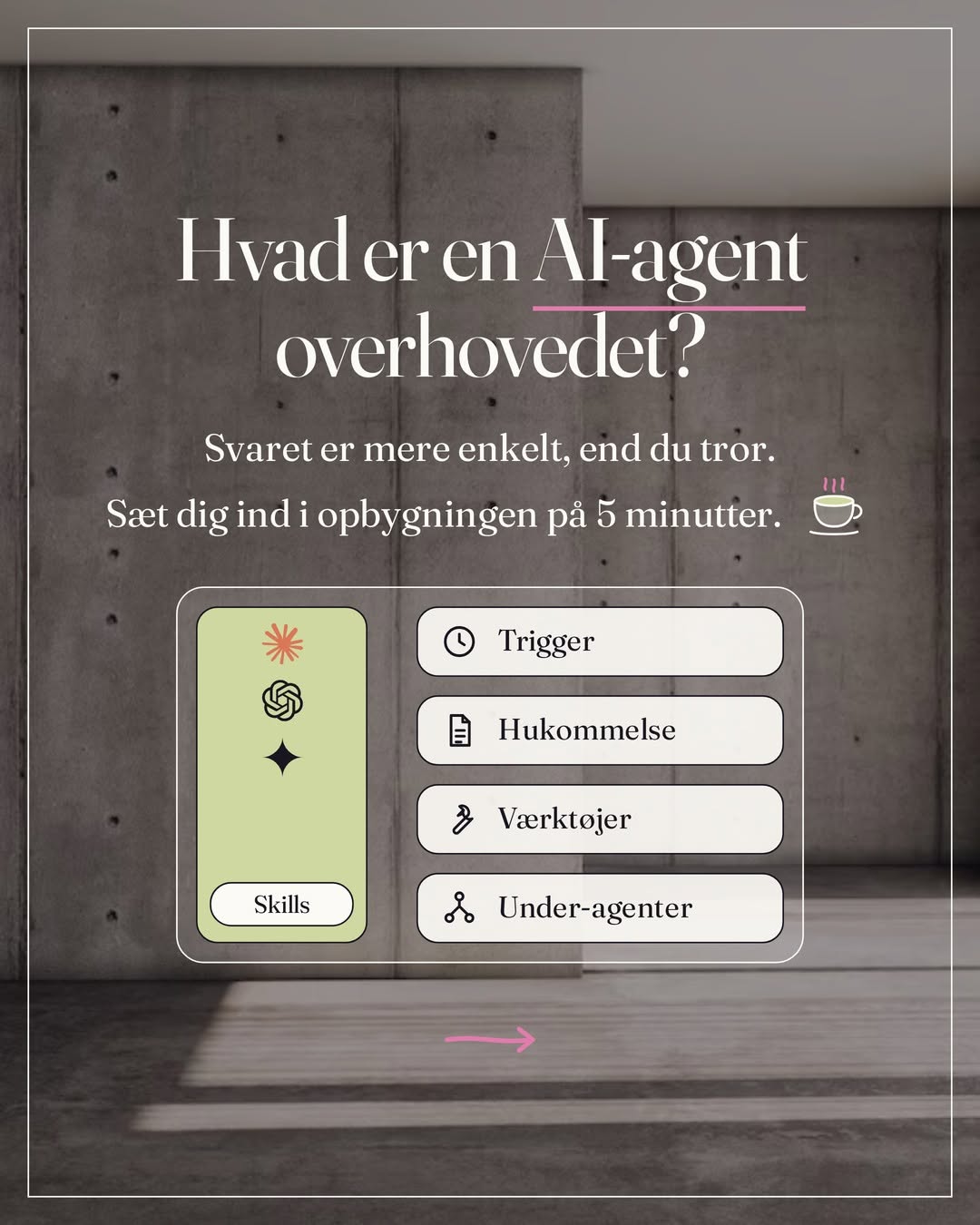
Steps 4 and 5 are about triggers: what kicks off the work without you. There are three ways, and they build on each other.
Scheduled tasks
In Claude you write in a conversation what the task is and how often it should run, and click Schedule. Hourly, daily, weekly or on weekdays. The morning brief, the Monday report, the week's drafts. Runs in the cloud on the paid plans, even when the computer is off. If it needs files on your computer, the desktop app has to be open.
Claude Code
The same agent, run from the terminal, the Code tab in the desktop app or Anthropic's cloud, with scheduled runs and connectors to mail, accounting and ad accounts. For the agents that need to work directly in your files and your code, push to GitHub or keep their own log. The runs don't ask along the way, so give them only the tools they need.
Agents that run around the clock
A harness like OpenClaw, Hermes or n8n keeps the agent running and listens for triggers: a new email, a new order, a message. It is the only one of the three that reacts to an event. Claude's own scheduled tasks run at set times, so the closest you get is a task every hour. It acts by your rules and puts the result ready for your yes.
Whichever you choose: everything starts as drafts for your approval. That doesn't happen by itself. It has to be in the instruction, and the tools that send and delete you set to Blocked under Tool permissions on the app. You move the gate yourself, when you trust it.